Grounding-DINO on DeepStream: Open-Vocabulary Detection with Live Prompts
person . backpack . handbag .Most object detectors are stuck with a fixed list. Train one on "person, car, dog" and that's all it will ever find — ask it for a "suitcase" and you're out of luck unless you retrain it. This project takes a smarter model, Grounding-DINO, and runs it on NVIDIA's DeepStream video pipeline so you can detect anything you can describe in words — and even change what you're looking for while the video is still playing.
Repo: github.com/Vishnu-RM-2001/grounding-dino-deepstream
The big idea: detect things by describing them
Grounding-DINO is an open-vocabulary detector. Instead of choosing from a fixed menu of classes, you just type what you want in plain English:
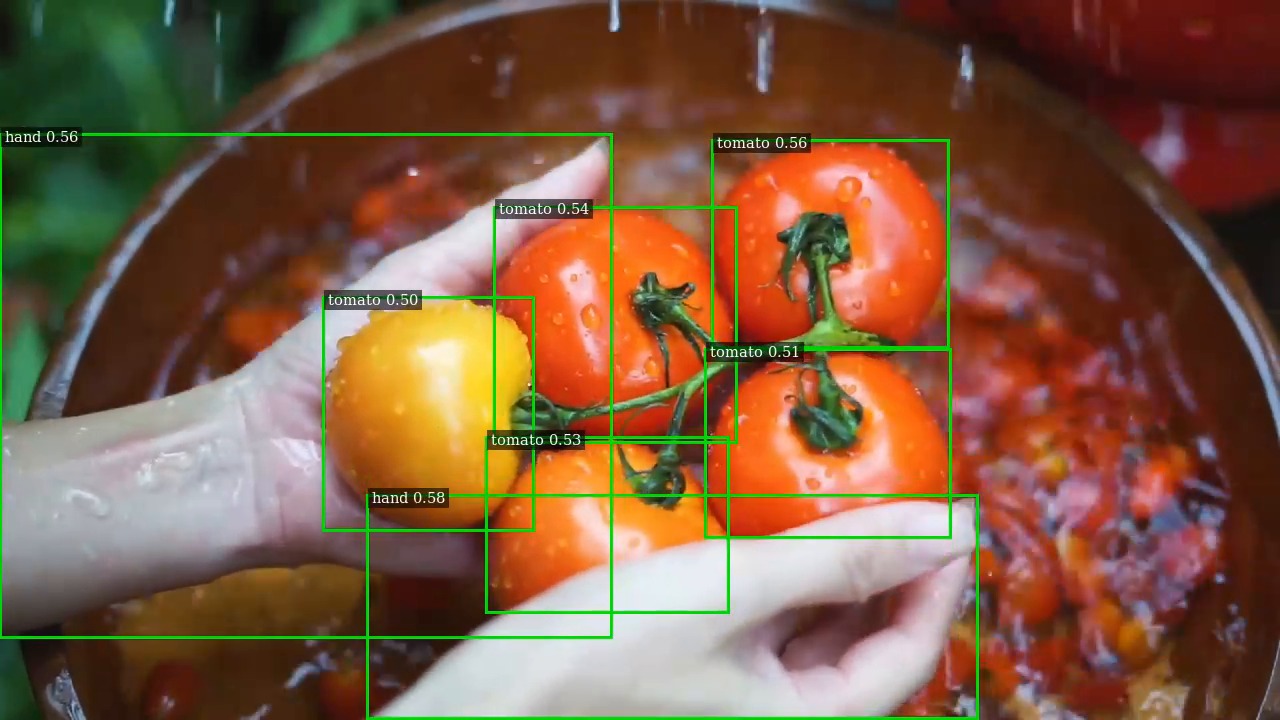
person . backpack . handbag .Want something else? Type something else. "tomato", "hand holding a tool", "red suitcase" — the model reads your words and goes looking for them. No retraining, no new dataset, no code changes.
The part that makes it fun: change the prompt live
Normally, if you wanted a detector to look for something new, you'd stop everything and restart. Here you don't. While the video is running, you can send a new phrase and the detector switches over on the very next frame — no restart, no interruption.
So you could be watching a feed for "person", then mid-stream decide you actually care about "umbrella" and "suitcase", and the boxes just update. That live flexibility is the whole point of the project.
Why run it on DeepStream?
DeepStream is NVIDIA's toolkit for building fast, GPU-accelerated video pipelines. Pairing it with Grounding-DINO means you get:
- Real-time video — processed on the GPU, with the results saved out as a normal MP4.
- Live labels on screen — each detected object is tagged with the phrase that matched it.
- Tunable sensitivity — simple knobs to control how confident the model must be before it draws a box.
Two models to choose from
You can pick which detector runs, depending on your needs:
- NVIDIA TAO Grounding-DINO — the commercially deployable version from NVIDIA. (Default; fastest here.)
- IDEA-Research GroundingDINO — the open research model from the team that created Grounding-DINO.
Both are driven the same way and both support live prompts — you just pass a flag to choose.
Quick start
Everything runs inside the NVIDIA DeepStream 9.0 container. You build the pieces once, then run with a video and a prompt. Pick a model with --model (tao or gdino_b):
M=tao   # or: M=gdino_b

# one-time setup
./scripts/00_get_model.sh    --model $M   # fetch the model
./scripts/01_build_libs.sh                # build the custom plugins
./scripts/02_make_onnx.sh    --model $M   # pack inputs -> ONNX
./scripts/03_build_engine.sh --model $M   # build the TensorRT engine
./scripts/04_build_app.sh                 # build the app
./scripts/get_test_videos.sh              # grab a sample video

# run it
./scripts/run.sh --model $M "person . backpack . handbag ."
That produces an annotated MP4 with boxes labelled by the phrase that matched them.
Change the prompt while it runs
This is the headline feature. With the pipeline already running, just write a new phrase to the control file — the detector picks it up on the next frame, no restart:
echo "suitcase . umbrella ." > /tmp/gdino_promptA few technical notes
- Precision:
fp32is the default and the accuracy reference.fp16is faster but can drop low-margin classes (e.g.person) — a stronger word likemanor a lower threshold helps. - Detection knobs:
--thr(confidence, default0.3),--nms-iou(overlap filtering, default0.5), and--max-areato drop whole-image boxes. - Headless runs: add
--sink fakesink(or--out) when there's no display attached.
How it works, in plain terms
Under the hood there's a neat trick. Grounding-DINO actually needs your image and your text fed in together, but DeepStream's fast path is built to carry just an image. So the project quietly packs the picture and the words into a single bundle, hands that to the GPU, then unpacks the results and draws the labelled boxes. You never see any of that — you just type a phrase and watch the boxes appear.
Where this is useful
- Security & monitoring — change what you're watching for on the fly (bags left behind, specific clothing, vehicles).
- Agriculture & inspection — spot ripe fruit, damage, or "a hand near the machine" without building a custom model.
- Interactive video analysis — an analyst types what matters in the moment and the system follows along.
See it in action
The repo includes a sample clip (a busy pedestrian walkway) and a demo image showing the detector tagging people and bags from a single text prompt. Clone it, point it at a video, type what you want to find, and let it run.
Takeaway: traditional detectors can only find what they were trained on. Grounding-DINO finds whatever you describe — and this project lets you do that on real-time video, swapping what you're looking for mid-stream without ever stopping. Describe it, and it detects it.
Try it / read the full build steps: github.com/Vishnu-RM-2001/grounding-dino-deepstream